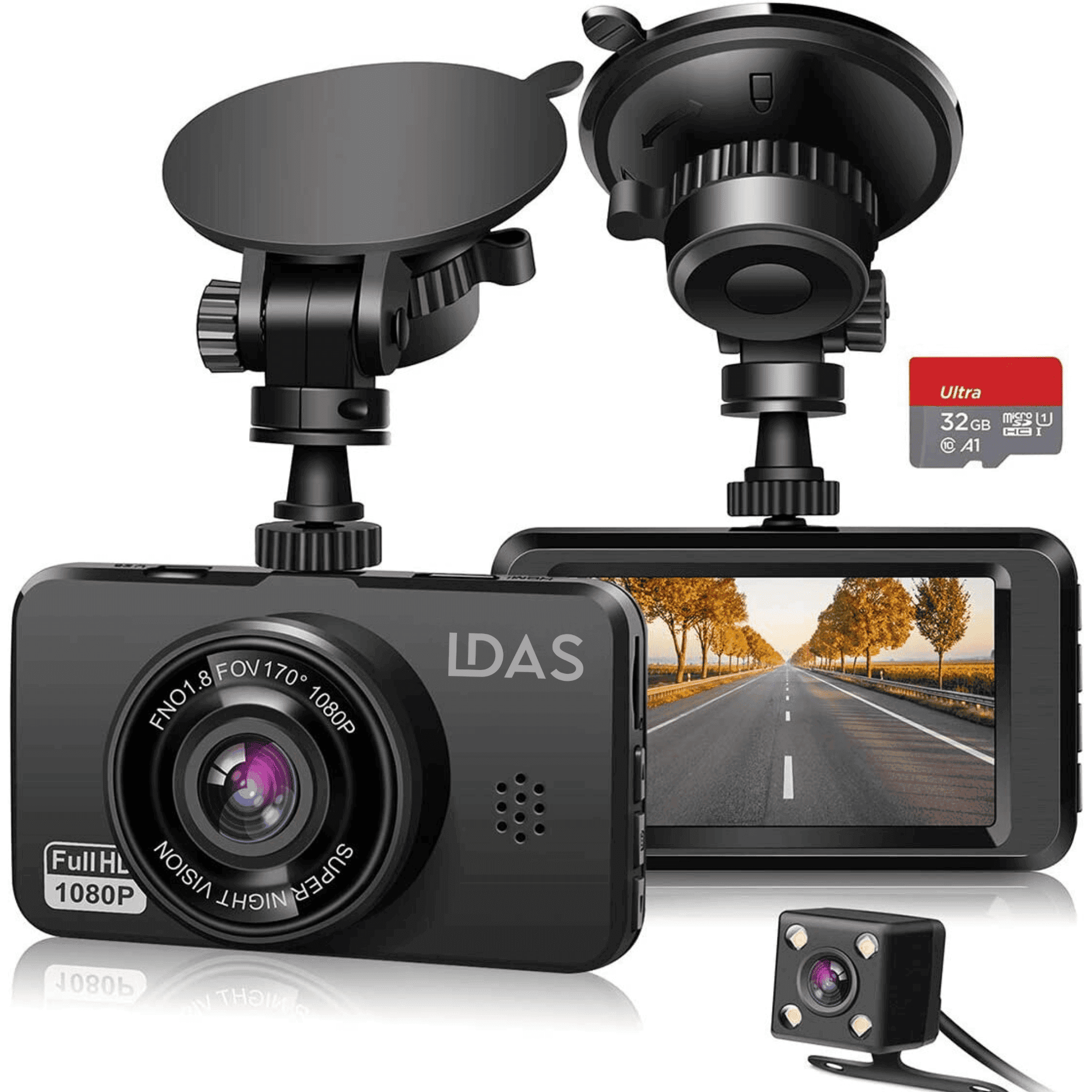

A dash cam records what happens on the road, which can help after a collision, a dispute or a false claim. If you've never owned one, the choices can feel overwhelming. A plug-and-play dash cam is the easiest place to start.

What Is a Plug-and-Play Dash Cam?
- No hardwiring required: it powers from your car's 12V socket or a USB port.
- It starts recording automatically when the car powers the socket.
- No technician or tools needed to install it.
It's a good fit for first-time users, students, rideshare drivers and everyday commuters who want a camera that works out of the box.
Features That Matter Most for Beginners
- Easy mounting: an adhesive or suction mount high on the windshield, out of your line of sight.
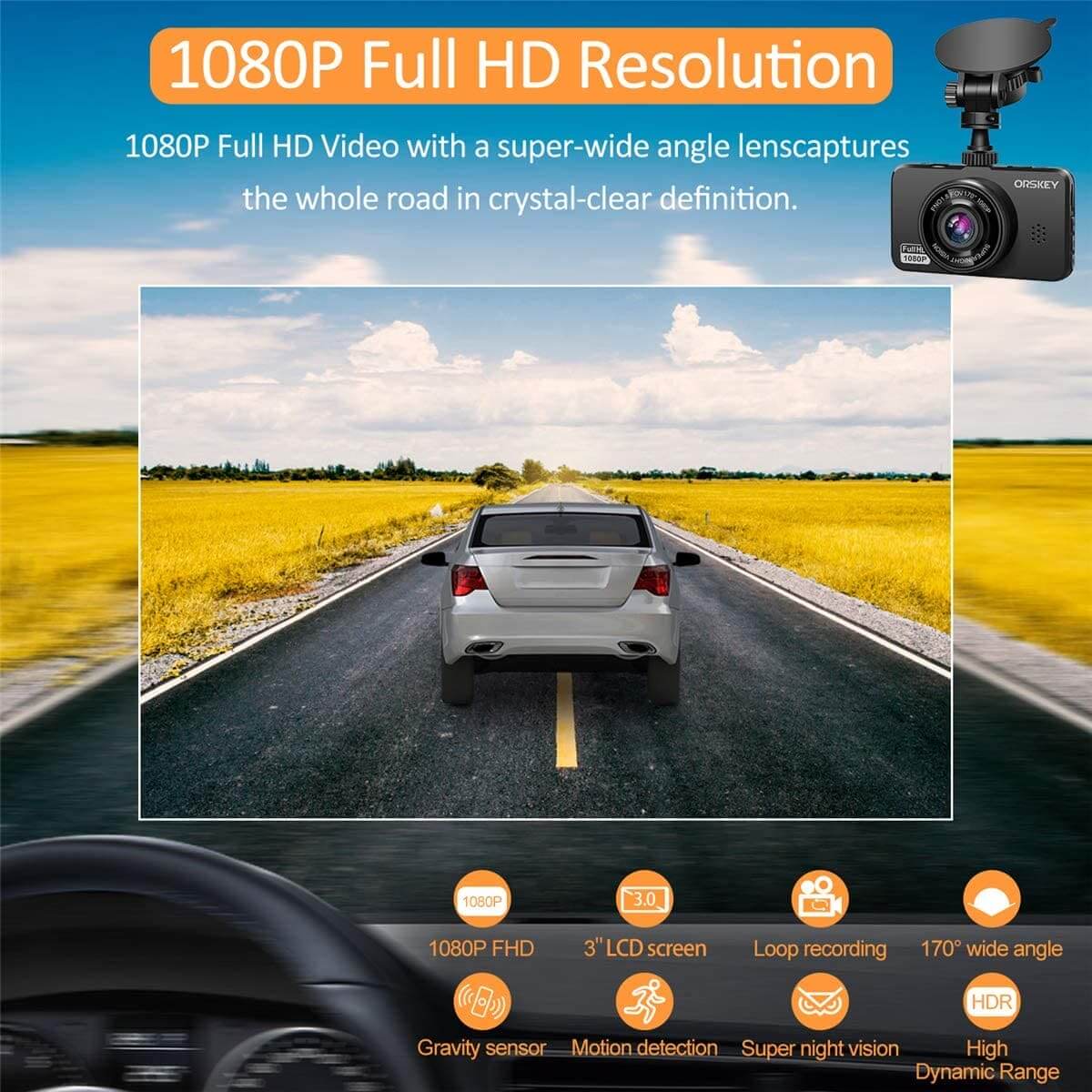
- Video quality: 2.5K resolution makes plates and signs easier to read than 1080p.
- Loop recording: overwrites the oldest footage so the card never fills up.
- G-sensor: locks clips automatically when it detects an impact.
- App access: WiFi lets you view and save clips on your phone without removing the card.
- Included memory card: saves you from buying the wrong card.
How to Install a Plug-and-Play Dash Cam
- Clean the windshield where the mount will go, usually behind the rear-view mirror.
- Attach the mount and camera, and aim it level at the road.
- Run the power cable along the headliner and pillar trim so it doesn't hang loose.
- Plug into the 12V socket or USB port and start the car.
- Check the date and time, then format the memory card in the camera.
Want parking mode while the car is off? Add a hardwire kit with low-voltage protection so it can't drain your battery.
LDAS Plug-and-Play Dash Cams
- LDAS A20 WiFi Dash Cam: 2.5K front camera with night vision, WiFi app and a 32GB SD card included.
- LDAS Mini Front Dash Cam: compact 2.5K camera with WiFi app and WDR night vision.
- LDAS Front and Rear Dash Cam: 2.5K front plus 1080p rear, with a 32GB SD card included.
Compare them all in the LDAS dash cam collection.
Frequently Asked Questions
Do I need a professional to install a dash cam?
Not for a plug-and-play model. You can mount it and plug it in yourself in a few minutes. Hardwiring for parking mode is more involved, so some drivers have it installed.
Will a dash cam drain my car battery?
Plugged into a socket that turns off with the ignition, no. For parking mode, use a hardwire kit with low-voltage protection.
Front-only or front and rear?
Front-only covers most situations and is simplest to install. Front-and-rear adds protection against rear-end collisions.
Are dash cams legal in Canada?
Generally yes, as long as they don't block your view of the road. Read our guide to the best dash cams for cars in Canada.