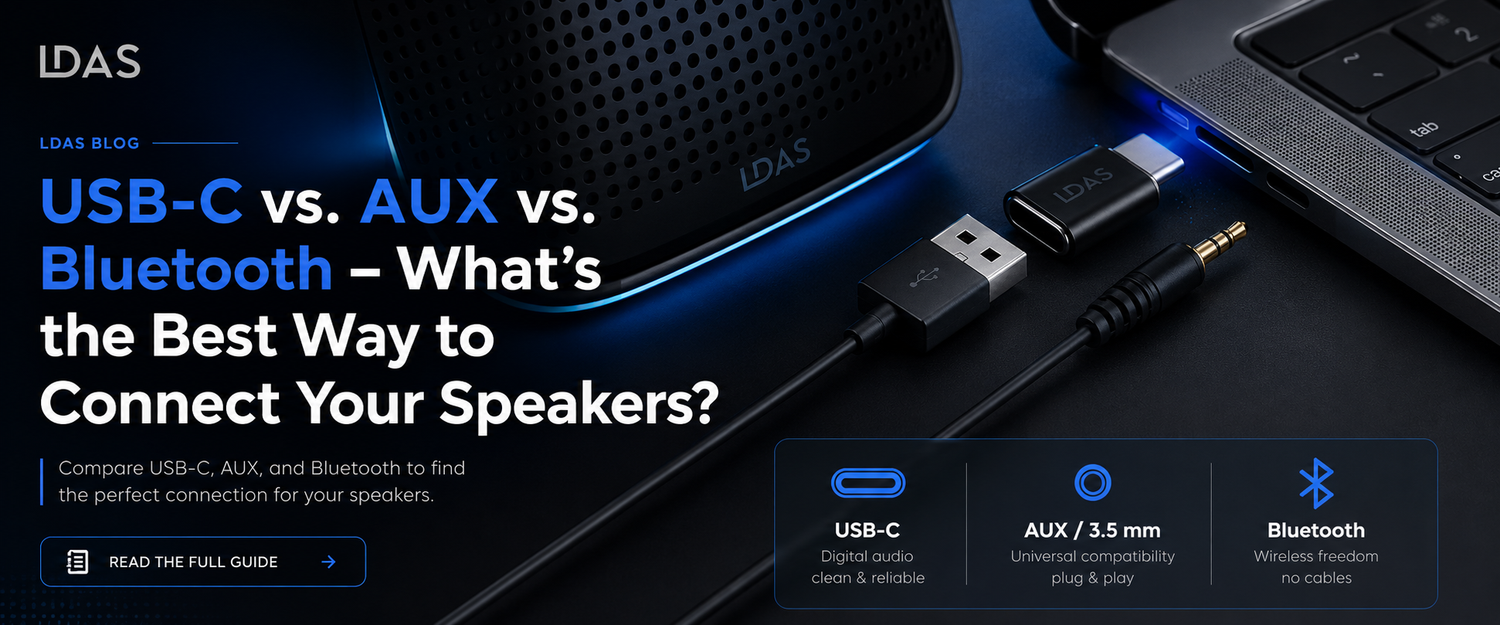
Let’s face it — the way we connect our speakers today isn’t as simple as it used to be.
Back in the day, you’d plug a cable into the headphone jack and hit play. Now? You’ve got USB-C, AUX, Bluetooth… and maybe even a dozen dongles cluttering your desk.
So if you’re wondering:
“Which audio connection is best for me?”
Don’t worry — we’ve got you.
Let’s break it down in simple terms.
The 3 Ways to Connect Your Speakers (And What Makes Each One Great)
| Connection Type | What It Means | Best For |
|---|---|---|
| USB-C | Modern digital connection (found on MacBooks, Chromebooks, newer PCs) | Clean desk setups, modern laptops, fast plug-and-play |
| AUX (3.5mm) | Good ol’ headphone jack | Older computers, gaming monitors, and universal compatibility |
| Bluetooth | Wireless connection via Bluetooth signal | Streaming music from your phone or tablet |
🔌 USB-C — The Plug-and-Play Hero
If you’re using a newer laptop, such as a MacBook, Surface, or Chromebook, you’ve probably noticed that there’s no longer a headphone jack.
That’s where USB-C comes in.
Why USB-C Rocks:
-
It provides you with clean, digital audio — significantly better than the old analog jacks.
-
One single cable powers AND connects your speaker—no need for extra wires.
-
It’s super plug-and-play. No setup. No stress.
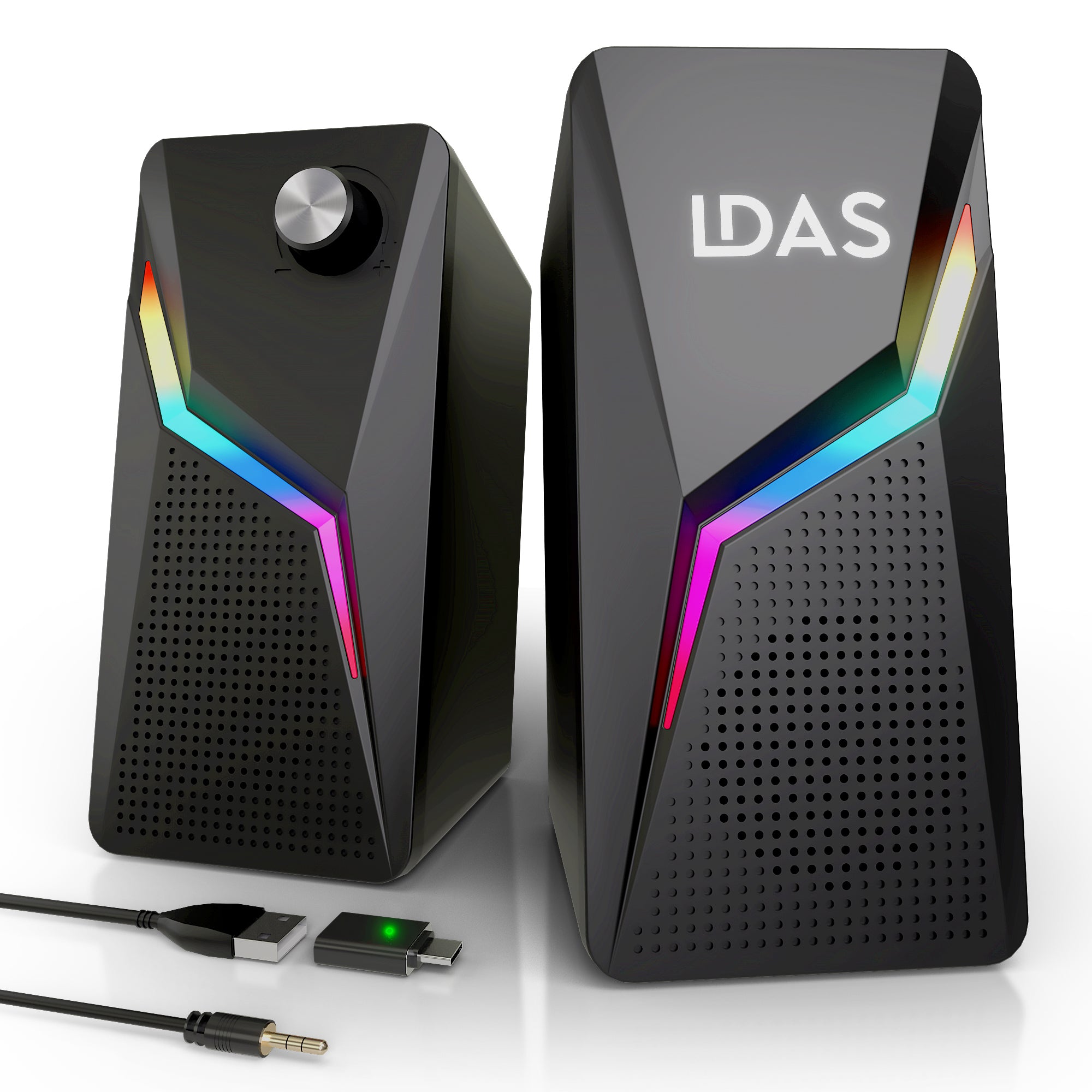
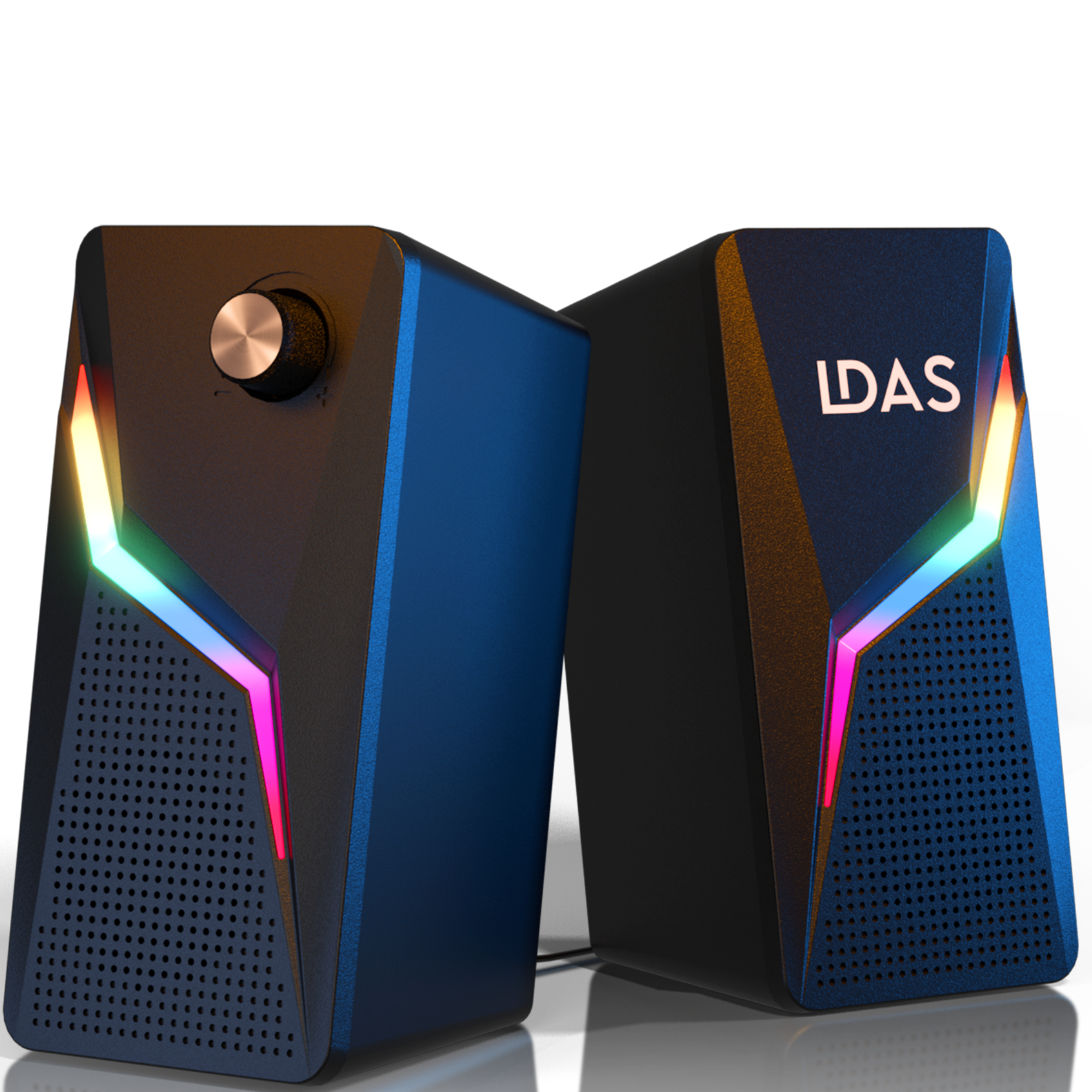
The LDAS A8 Speakers are built with this in mind. They plug straight into your USB-C port and boom — you’re in business with rich stereo sound and glowing RGB.
Want clean audio with zero clutter? USB-C is your best bet.
AUX – The Reliable Old-School Classic
Ah, the AUX jack. You’ve seen it on everything from TVs to game consoles to 10-year-old laptops.
Why AUX Still Works:
-
You can plug it into almost anything.
-
It’s simple, familiar, and doesn’t need software or drivers.
-
Still great for desktops, older PCs, and some monitors.
That’s why the LDAS A8 also includes a 3.5mm AUX input. Whether you’re connecting to an old-school tower or an external monitor, you’re covered.
🎮 Gamers and budget setups, AUX might be your go-to.
Bluetooth – The No-Wires Vibe
We all love the freedom that Bluetooth offers. No wires. No ports. Just vibes.
Why People Love Bluetooth:
-
Stream music from your phone while you cook, clean, or chill.
-
Works great with tablets, phones, or even TVs that support Bluetooth.
But here’s the thing:
🔸 Bluetooth introduces slight lag — not ideal for gaming or video calls
🔸 It compresses the audio a bit — you lose some richness
🔸 You’ll also need to charge your speaker frequently.
So if you’re watching Netflix, editing a video, or gaming? Stick to USB-C or AUX for zero delay and full sound quality.
So… What’s the Best Option?
Honestly? It depends on how you use your speakers.
| Use Case | Best Connection |
|---|---|
| Newer laptops (MacBook, Chromebook) | ✅ USB-C |
| Gaming PCs, older setups | ✅ AUX |
| Music from phone or tablet | ✅ Bluetooth (not available on A8, but good to know) |
If you want a speaker that handles both USB-C and AUX?
👉 You can’t go wrong with the LDAS A8.
-
Plug it into a MacBook with USB-C
-
Or plug into your monitor with AUX
-
And still have a headphone jack up front, too
It’s built for people who don’t want to compromise — students, professionals, gamers, even streamers.
🔗 More You Might Like:
-
🔊 Best Plug-and-Play Speakers for Desktops & Laptops (LDAS Blog)
-
🧠 TechRadar: Best Computer Speakers in 2025 (external)
🎉 Final Thoughts
Whether you’re chilling on Spotify, attending Zoom calls, or catching up on Stranger Things, the way you connect your speakers matters more than you think.
Choose what fits your setup best.
👉 If you want versatility, clean sound, and a slick design, check out the LDAS A8 Computer Speakers. You’ll hear the difference.