
Choosing the best dash cam for your car comes down to a few things: clear video day and night, reliable recording, and easy setup. This guide covers what to look for, how to install and look after a dash cam, and what Canadian drivers should know about using the footage.

Dash cams act as an unbiased witness after a collision, giving you evidence for insurance claims and helping protect you from fraudulent claims.
Key Takeaways
- Look for at least 1080p video (2.5K or 4K is sharper), good night recording, loop recording and a G-sensor.
- Front-and-rear systems record both directions; WiFi models let you view and save clips on your phone.
- Mount it so it doesn't block your view, and format the SD card regularly.
What to Look for in a Dash Cam
Video Quality and Resolution
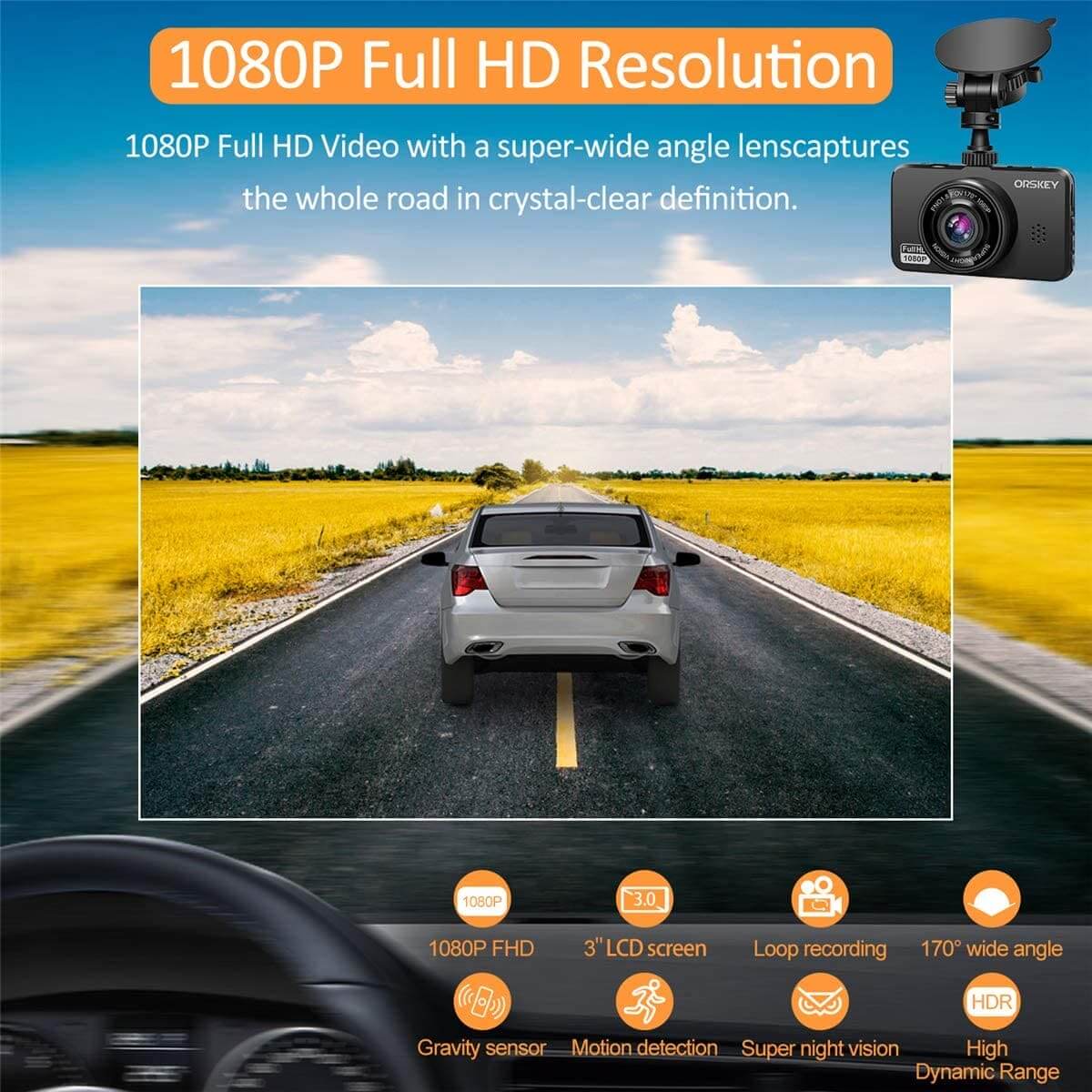
Higher resolution makes it easier to read licence plates and street signs. 1080p is the minimum worth buying; 2.5K (1440p) and 4K give more detail, especially when zooming in on footage.
Field of View and Night Vision
A wide field of view captures more of the road and neighbouring lanes. Look for models with good low-light performance (often called night vision or WDR) for clear recordings at night and in tunnels.
Build and Design
Canadian winters and summer heat are hard on electronics, so choose a dash cam with a sturdy build. A compact design is less likely to block your view.
Ease of Use and Installation
Simple mounts and a phone app make setup and reviewing footage much easier than fiddling with tiny on-device menus.
Storage and Loop Recording
Loop recording overwrites the oldest footage automatically, so you never have to clear the card by hand. A G-sensor locks the clip when it detects an impact so it isn't overwritten.
LDAS Dash Cams
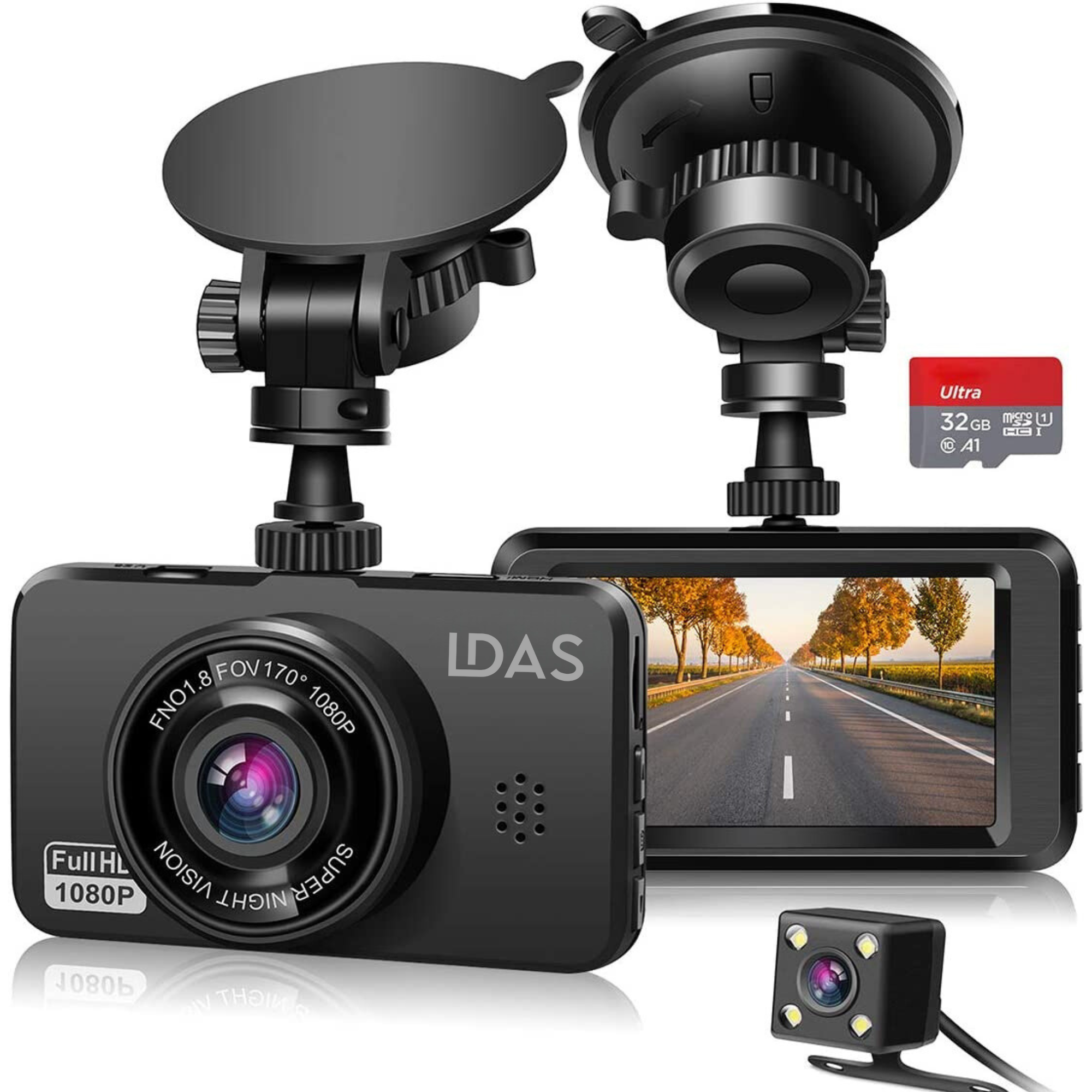
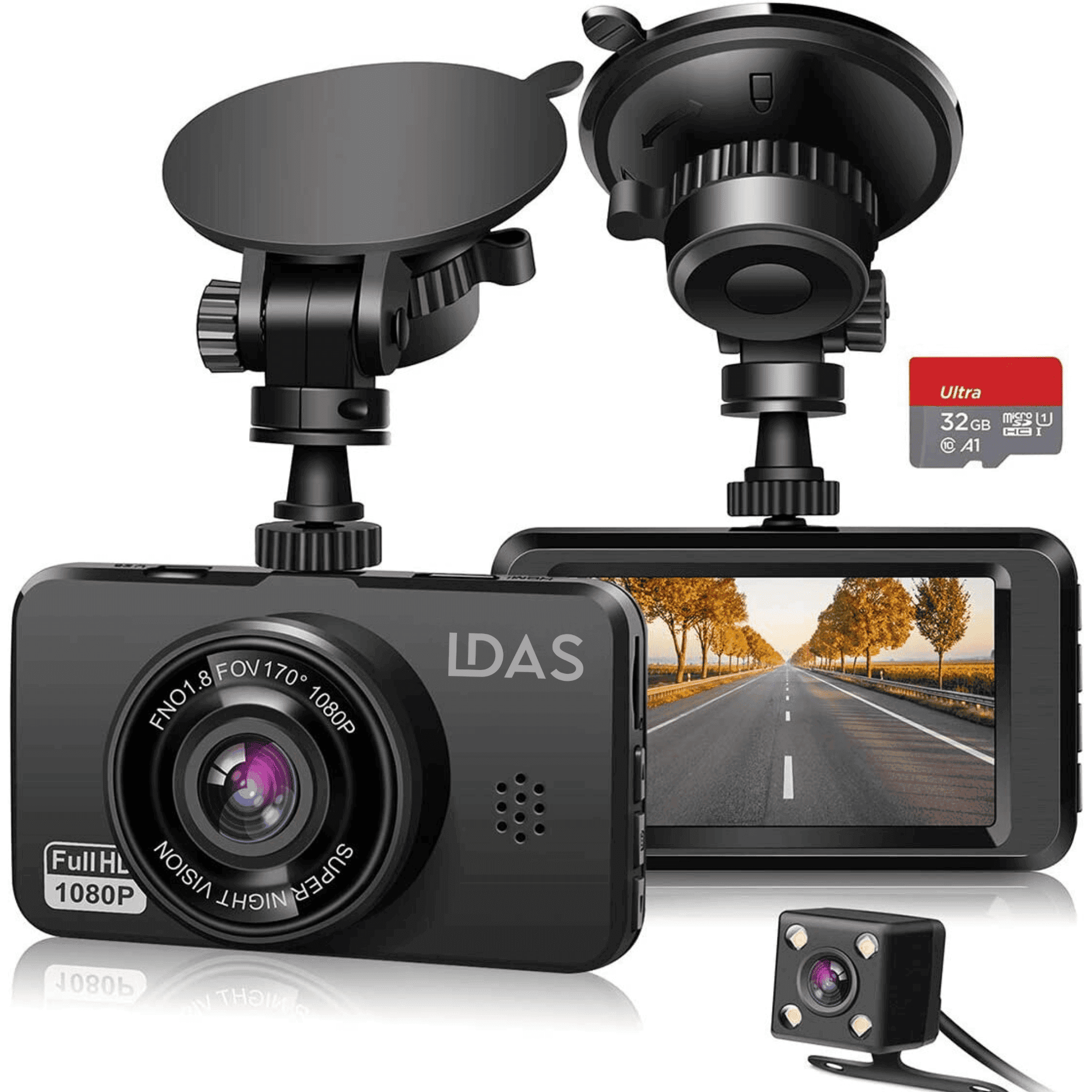
- LDAS A20 WiFi Dash Cam: 2.5K front camera with night vision and a WiFi app, with a 32GB SD card included.
- LDAS Front and Rear Dash Cam: 2.5K front plus 1080p rear recording, with a 32GB SD card included.
- LDAS Mini Front Dash Cam: a compact 2.5K front camera with a WiFi app and WDR night vision.
- LDAS USB-C Hardwire Kit: 12V–24V hardwiring with low-voltage protection, for a clean install.
See them all in our dash cam collection.
Advanced Features
GPS
Some dash cams include GPS to log your location and speed alongside the video, which can help with insurance claims.
WiFi and App Integration
With WiFi and a smartphone app, you can view live video, change settings and download clips to your phone without removing the SD card.
Parking Monitoring
Parking mode records when the dash cam detects motion or an impact while your car is parked. Most dash cams need a hardwire kit or a dedicated power source to use parking mode.
Front and Rear Recording
A front-and-rear system records both directions, which helps in rear-end collisions and when reversing.
Installation and Maintenance

Setting Up Your Dash Cam
- Choose the location: behind the rear-view mirror is usually best, so it doesn't block your view.
- Mount the camera with the suction or adhesive mount.
- Connect power through the 12V socket, or use a hardwire kit for a cleaner install and parking-mode power.
- Route the cable along the edge of the windshield and tuck it in neatly.
For a step-by-step walkthrough, read how to mount and use a dash cam.
Maintaining Your Dash Cam
- Clean the lens with a microfiber cloth.
- Format the SD card regularly to prevent file errors.
- Update the firmware when the manufacturer releases updates.
- Check the mount now and then, especially in cold weather.
Not recording? See 7 things to check before replacing your dash cam.
Legal and Insurance Considerations
Dash Cam Use and the Law
Dash cams are generally legal to use in Canada, but they must not block your view of the road. Mount yours so it stays clear of your line of sight, and don't handle it while driving. Rules can differ by province, so check your local regulations.
Insurance
Dash cam footage can help show what happened in a collision and support your claim. Keep in mind that footage shows everything, including your own driving.
Frequently Asked Questions

What resolution should a dash cam have?
At least 1080p. A 2.5K (1440p) or 4K camera makes it easier to read plates and signs.
Do I need a front and rear dash cam?
A front camera covers most collisions, but a rear camera helps with rear-end collisions and reversing. A front and rear dash cam covers both.
How much storage do I need?
Because of loop recording, a 32GB card is fine for everyday driving. Larger cards keep more footage before it's overwritten.
Do dash cams work in Canadian winters?
Most do, but extreme cold and heat are hard on any electronics. Check the operating temperature in the product specs, and avoid leaving a dash cam on the windshield in extreme heat when the car is parked for long periods.
Do truckers need dash cams?
Many fleets and owner-operators use them for protection against false claims. Read do truckers need dash cams in Canada.