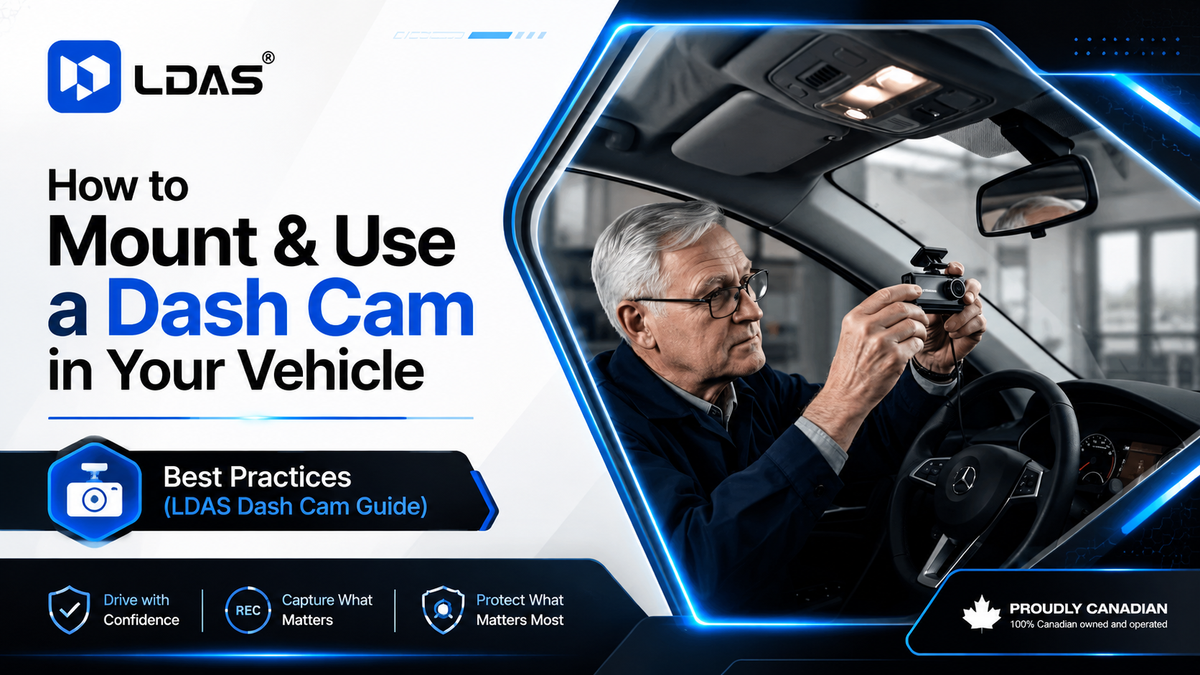
By LDAS Electronics — Canada’s Dash Cam & Trucker Tech Brand
www.ldas.ca
Introduction: Why Every Driver Needs a Dash Cam
Accidents, insurance disputes, parking lot incidents—these things happen to even the safest Canadian drivers. A properly mounted dash cam provides crystal-clear video evidence whenever something goes wrong.
But here’s the part most people don’t realize:
A dash cam is only effective if it’s mounted and set up correctly.
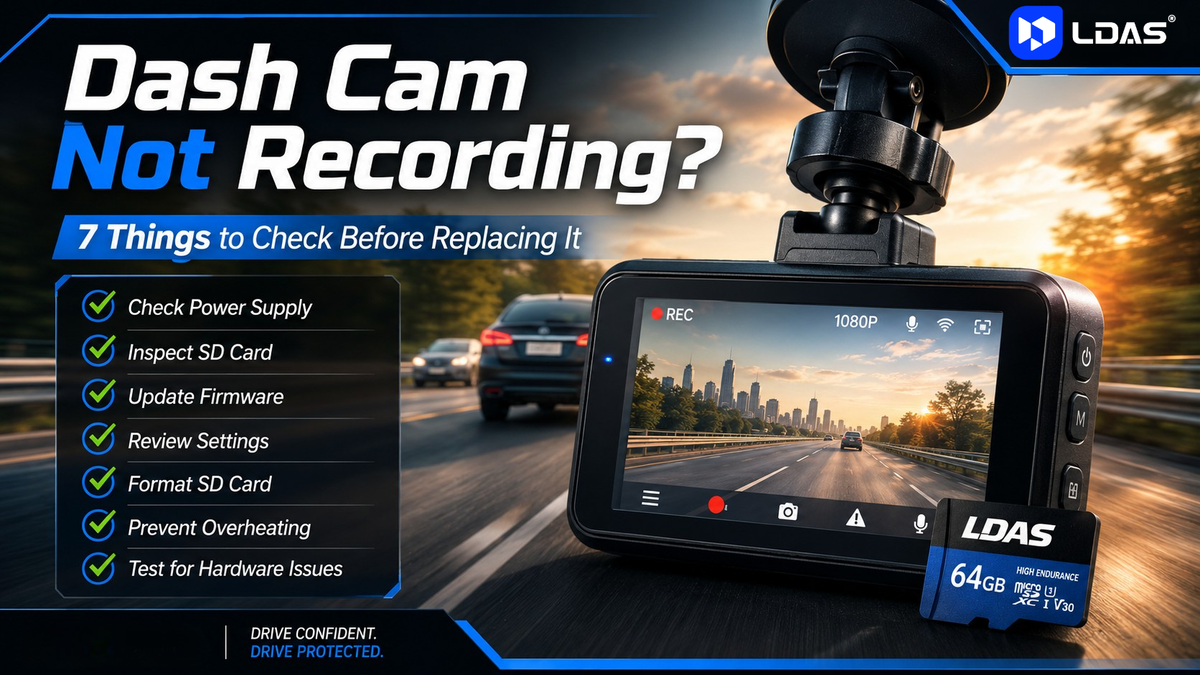
This guide walks you through the best practices for mounting ANY dash cam, plus a step-by-step installation guide for the LDAS Dash Cam for Cars (SD Card Included).
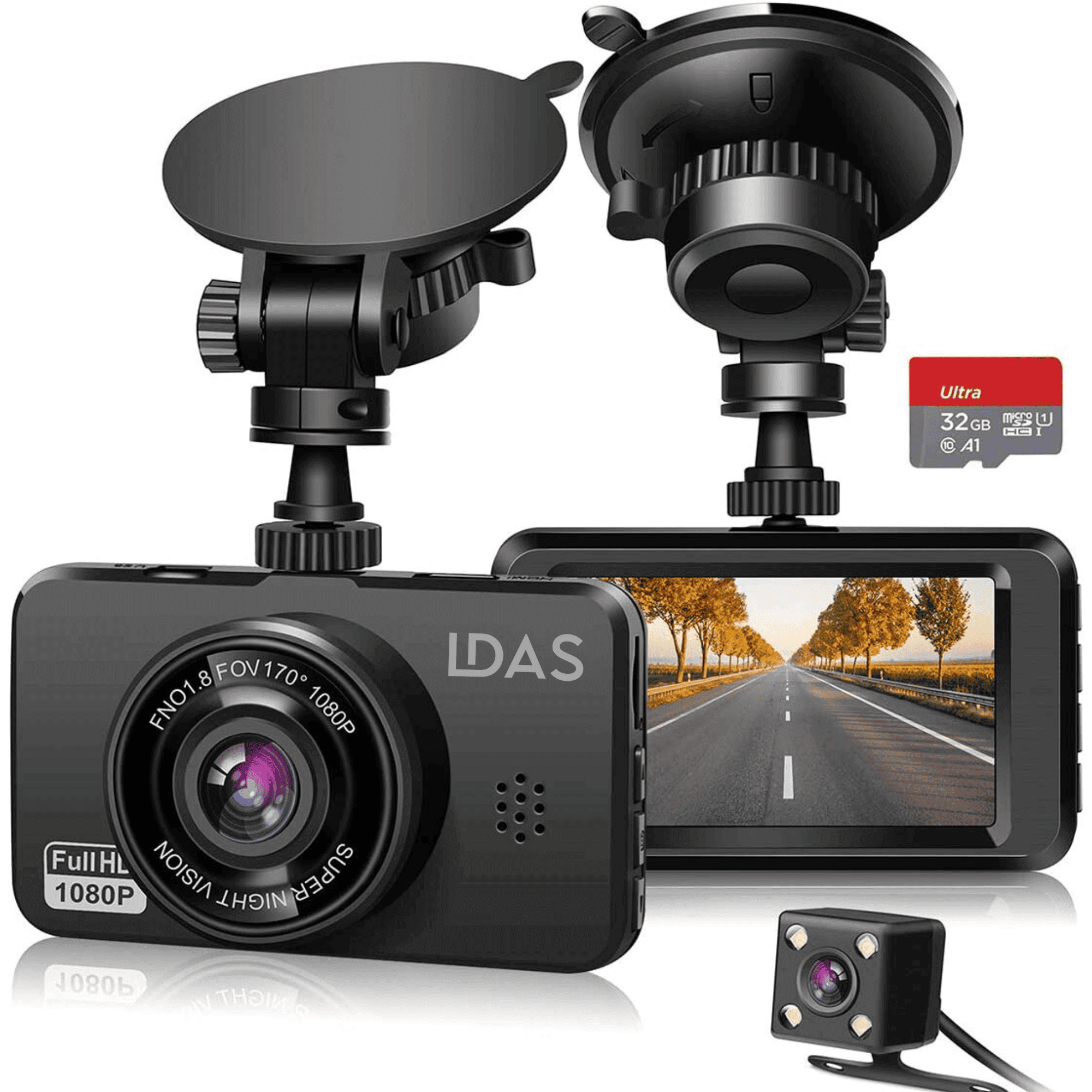
⭐ 1. Meet the LDAS Dash Cam for Cars (SD Card Included)
Before we talk mounting, let’s quickly highlight what makes this model ideal for Canadian drivers:

-
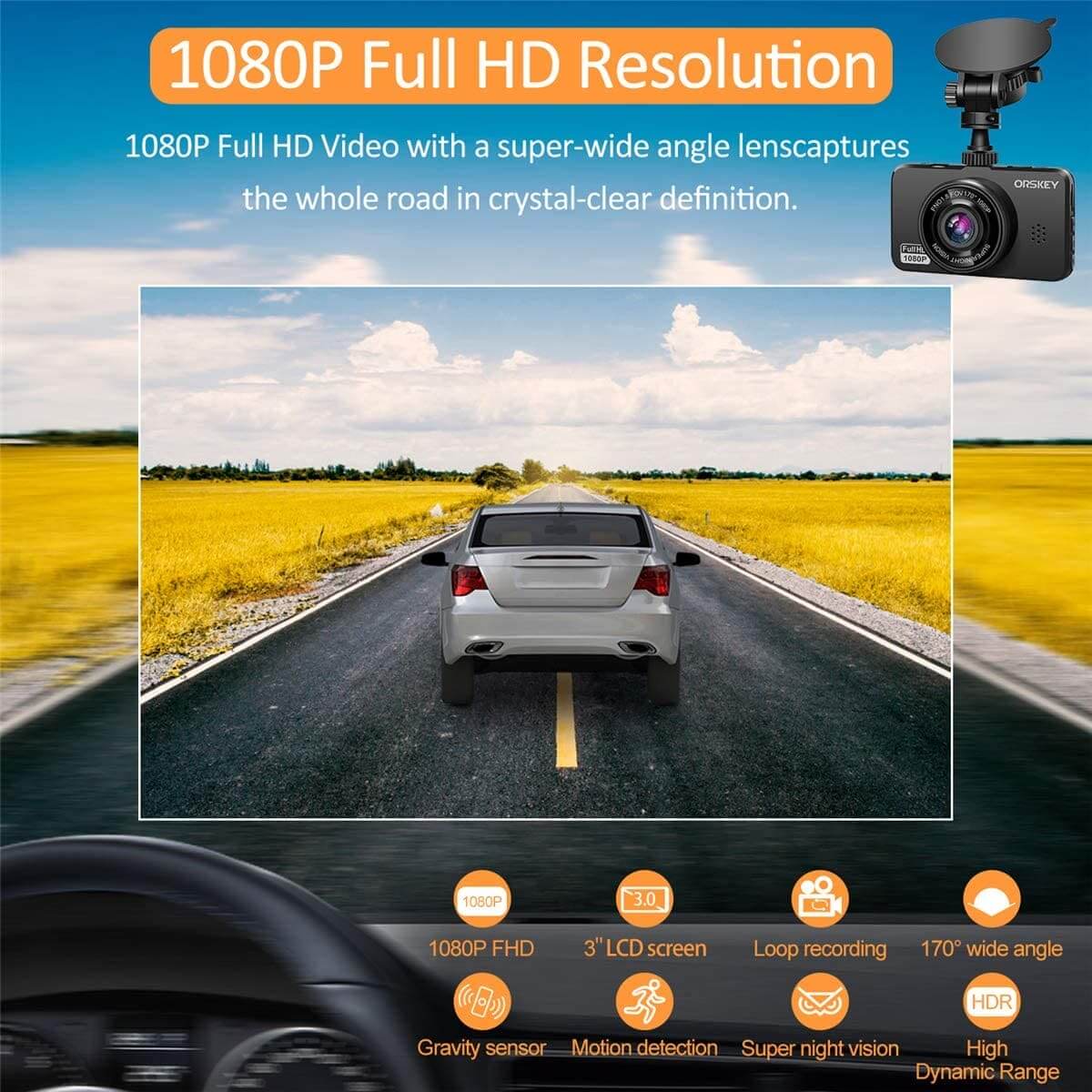
1080p Full HD recording
-
Wide-angle lens
-
Includes a High-Endurance SD Card
-
Strong suction mount
-
Auto-start recording
-
Loop recording
-
G-sensor emergency lock
-
Night vision
-
Heat-resistant build for Canadian summers & winters
Internal link (for SEO):
👉 View Product Here: https://ldas.ca/products/ldas-dash-cam-for-cars-sd-card-included
2. Where to Mount Your LDAS Dash Cam (Best Position)
For the LDAS Dash Cam for Cars, the recommended mounting location is the same position used by professional installers:

✔ Behind your rear-view mirror — centred
This placement gives you:
-
A perfect view of the road
-
Minimal distraction
-
Clean, hidden installation
-
Legal compliance in Canada (no obstruction of view)
3. Step-by-Step Guide: How to Mount the LDAS Dash Cam for Cars
Below is the exact procedure for THIS LDAS model using its included strong suction mount.
Step 1: Clean the Windshield Area
Use the following:

-
Alcohol wipe or glass cleaner
-
Microfiber cloth
A clean surface ensures long-lasting suction.
Step 2: Assemble the Suction Mount
Inside the box, you’ll find:

-
Main dash cam unit
-
Suction mount arm
-
USB power cable
-
SD card (already included)
Attach the mount to the top slot of the dash cam until it clicks into place.
Step 3: Position It Behind the Rear-View Mirror
Make sure it is:

-
Centered
-
Slightly hidden by the mirror from the driver’s direct line of sight
-
Viewing the full road with a slight tilt downward
Angle Rule:
👉 60% road / 40% sky
This ensures clear license plate capture.
Step 4: Firmly Lock the Suction Mount
Press the suction pad against the glass, then:

-
Flip the suction lock lever
-
Make sure it doesn’t wobble
-
Test by lightly tapping the camera
LDAS uses a high-grip mount, so once locked, it won’t fall even on rough Canadian roads.
Step 5: Insert the SD Card (Included)
If the SD card isn’t pre-inserted:

-
Open the side flap
-
Insert the microSD card until it clicks
Only use high-endurance cards for dash cams — LDAS includes one for you.
Step 6: Run the Power Cable Cleanly
Use this cable path:

-
Tuck the cable up into the headliner
-
Run it down the passenger-side A-pillar
-
Hide it along the door trim
-
Plug into your 12V socket or USB port
This gives you a clean, invisible installation.
Step 7: Set Up the Features
Turn on the LDAS Dash Cam and configure:

-
Video: 1080p Full HD
-
Loop recording: ON
-
G-sensor: Medium
-
Audio: optional
-
Timestamp: ON
-
Parking mode: if connected to constant power
Step 8: Test Before Driving
Record a 10–20 second clip.

Check for:
-
Level horizon
-
Readable license plates
-
No glare
-
Proper sky/road ratio
If everything looks perfect, you’re ready to go.
4. Using Your LDAS Dash Cam Daily
The LDAS model is designed to be fully automatic.

Here’s what happens each time you drive:
-
Cam powers ON with ignition
-
Auto-records in loop mode
-
Locks important footage when the G-sensor detects impact
-
Saves everything to the included SD card
5. Maintenance Tips (Very Important)
To keep your LDAS Dash Cam working perfectly:

Every 2–3 Months:
-
Format the SD card
-
Clean the lens
-
Check the suction mount grip
-
Update firmware (if available)
-
Ensure the cable is still tucked safely
6. Canadian Legal Considerations
Dash cams are legal across Canada, but:
-
They must NOT block your view
-
Avoid recording private conversations without consent
Outbound SEO link (authority backlink):
👉 Government of Canada Privacy Guidelines
https://www.priv.gc.ca
7. Why Canadian Drivers Trust LDAS Dash Cams
-
Built for harsh Canadian winters
-
Excellent night vision clarity
-
Wide viewing angle
-
SD card included
-
Simple installation
-
Long-lasting suction mount
-
Affordable price
-
Trusted by thousands of Canadian car & truck drivers
Internal link:
👉 Shop the LDAS Dash Cam
https://ldas.ca/products/ldas-dash-cam-for-cars-sd-card-included
Conclusion: Mount It Right. Use It Right. Drive Confidently.
Your dash cam is an investment in your safety.
Mounting it correctly ensures that every moment on the road is recorded clearly and reliably.
Whether you’re driving across snowy highways or navigating busy city streets, the LDAS Dash Cam for Cars gives you peace of mind everywhere you go.