
Common Fixes Every Trucker Should Know
Practical troubleshooting for the LDAS G10 Bluetooth headset — built for long hauls, designed for crystal-clear calls. Follow these trucker-tested fixes to stop drops and restore reliable connectivity.

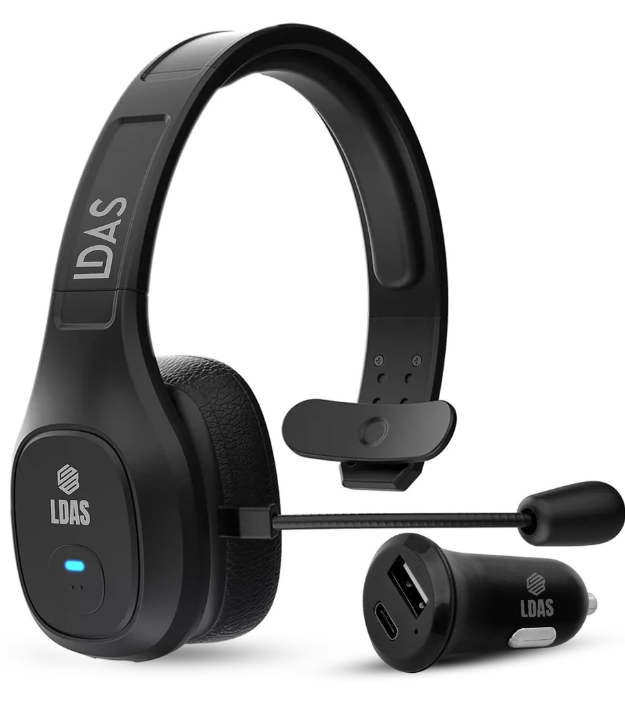
LDAS G10 — Noise-cancelling mic, long battery life, dock charging
When you’re on the road — especially driving long distances overnight — your headset isn’t just an accessory. It’s how you talk to dispatch, follow routes, and stay in touch with loved ones. If your LDAS G10 starts disconnecting, it reduces safety and increases stress. Below you’ll find trucker-focused fixes, pro tips, and what to do if the issue persists.
Engine & Road Noise? No Problem

The G10’s mic filters background road noise so dispatch calls stay clear.
All-Day Talk Time

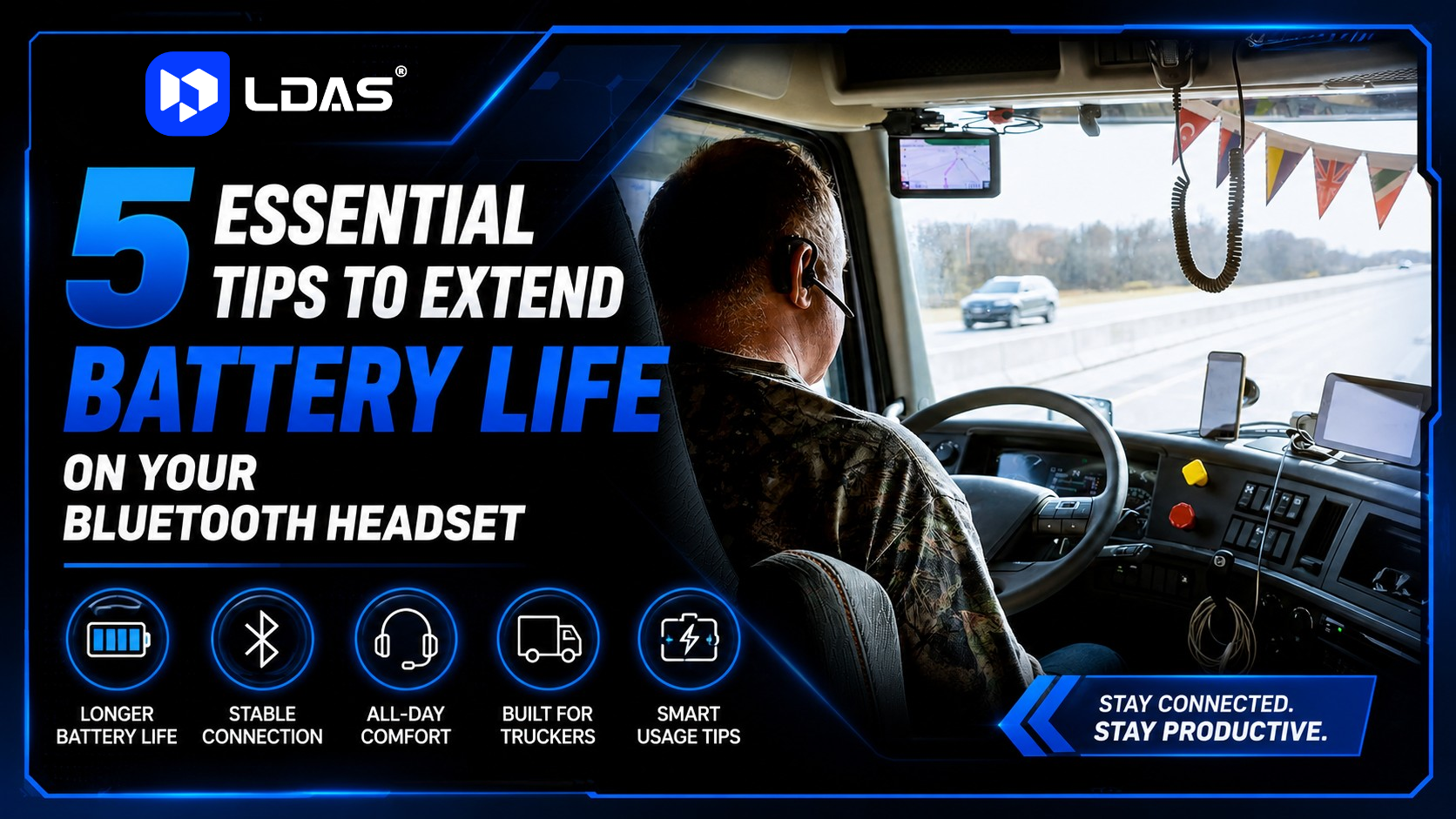
24+ hours of battery life for extended shifts and back-to-back runs.
Fast Top-Ups

Quick-dock recharge between stops keeps you powered for the whole route.
Phone + Tablet

Pair the G10 with two devices at once for GPS + calls without toggling.
Top Fixes When Your G10 Keeps Disconnecting
- Unpair & Re-pair: Remove “LDAS G10” from Bluetooth and pair again.
- Update Firmware: Visit LDAS Support for the latest updates.
- Reduce Interference: Turn off other Bluetooth devices nearby
- Reset the Headset: Hold Power + Volume Up for 10 seconds.
- Use USB Adapter: For stable PC calls, use the LDAS USB dongle.
Pro tip:
- Keep your phone updated — Bluetooth stability improves with OS updates.
- Avoid keeping your phone behind metal surfaces — this weakens the signal.
FAQ — Real Questions Truckers Ask
Why does the G10 disconnect when I’m driving with open windows?
Open windows increase cabin noise, possibly triggering audio profile changes. Keep firmware current to reduce drops.
Can I use the headset while charging?
Yes. Use the LDAS charging dock or USB-C cable for steady power.
I paired multiple devices — should I unpair some?
Too many paired devices can conflict. Disconnect extras when driving.
Join the LDAS Driver Community
Join other truckers using LDAS gear — trade tips, learn new tricks, and stay updated with product releases.