
Whether you’re hauling across the Trans-Canada Highway or spending long hours in your rig, the last thing you need is a dead headset mid-conversation. A Bluetooth headset is your lifeline — for calls, GPS prompts, and even podcasts during downtime.
To help you get the most out of your gear, here are five proven ways to extend your Bluetooth headset’s battery life — featuring LDAS’s top models: G7, G10, and TH11.
🔋 1. Keep Your Headset Charged the Smart Way
Avoid letting your headset’s battery drain completely before recharging. Lithium-ion batteries, which power most headsets, perform best when kept between 20% and 80% charge.

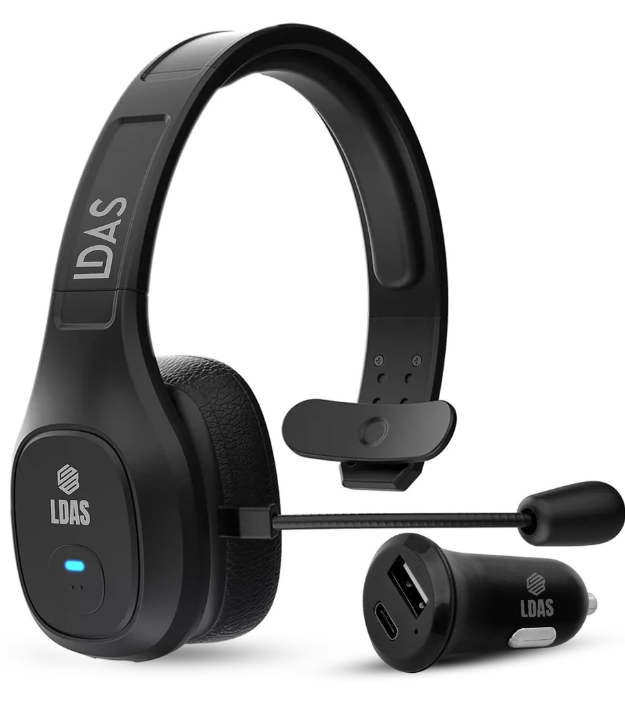
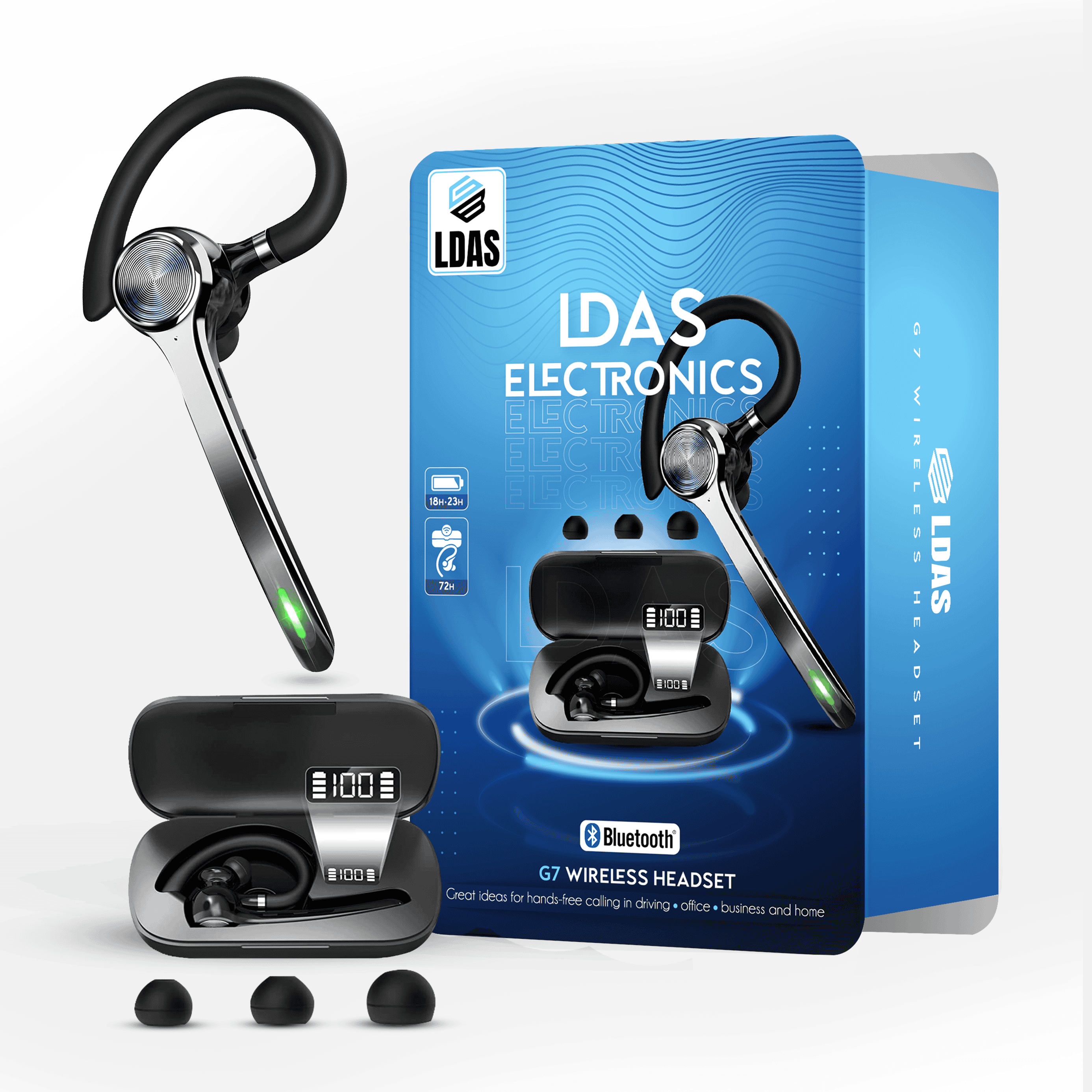
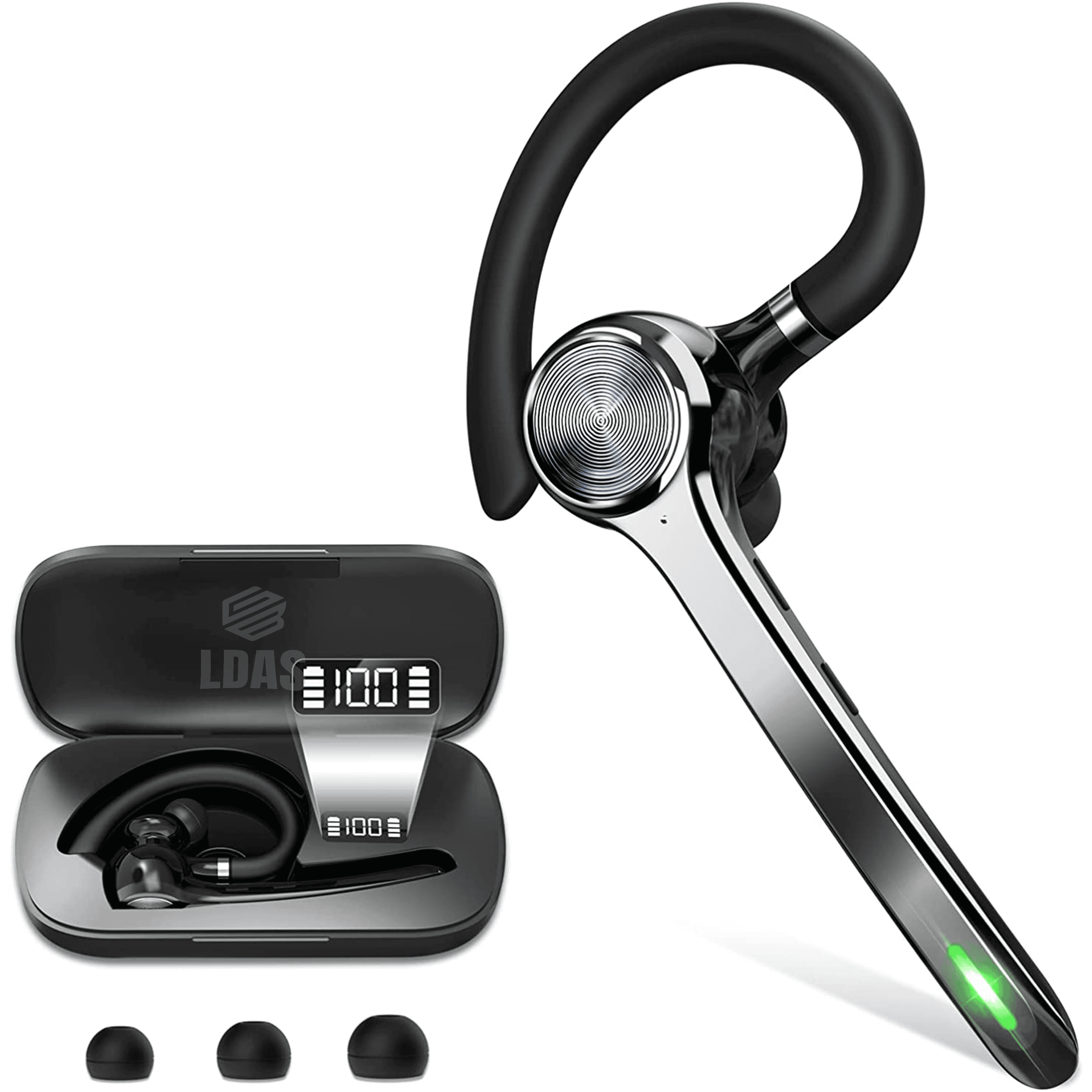
The LDAS G7 and LDAS G10 make this easier than ever with their portable charging cases — dock your headset on the go and it automatically tops up while you drive.
✅ Pro Tip: Keep your charging case plugged into your truck’s USB-C port using a quality LDAS fast-charging cable for constant readiness.
👉 Explore LDAS G10 Bluetooth Headset
👉 Explore LDAS G7 Bluetooth Headset
🌡️ 2. Avoid Extreme Temperatures
Truckers in Canada know how the weather can swing from freezing Alberta mornings to blazing Ontario afternoons. Both extremes can degrade your headset battery over time.
Always store your headset inside the cab, away from direct sunlight or the dashboard, and never leave it in freezing conditions overnight.

If you’re using the LDAS TH11, its durable construction and reinforced battery housing make it more resilient against temperature fluctuations — perfect for life on the road.
👉 Discover LDAS TH11 “G-Force 1” Headset
📶 3. Turn Off Bluetooth When Not in Use
Leaving Bluetooth on continuously drains battery power, even when you’re not on a call. If you’re parked for the night or stepping out for a meal, turn it off.

Both the LDAS G10 and G7 feature auto-power-off modes, meaning they’ll automatically go to sleep after a period of inactivity — saving energy without you lifting a finger.
🔈 4. Lower the Volume and Limit Noise Cancellation
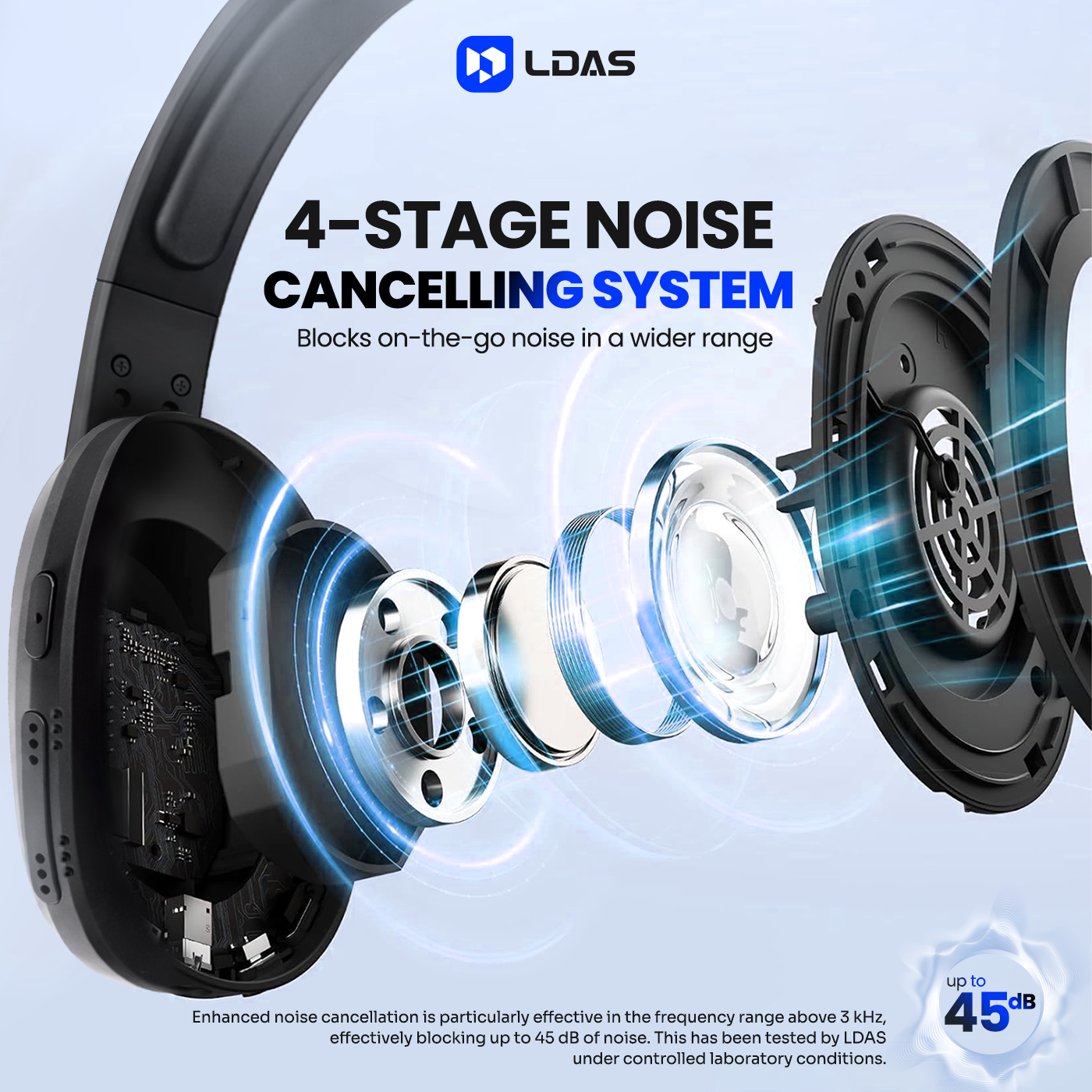
Higher volume levels and active noise cancellation consume more battery power. The LDAS G10’s dual-mic ENC (Environmental Noise Cancellation) gives you crystal-clear sound even at moderate volume.
Try lowering your volume by just 20% — you’ll still hear clearly while saving hours of playback time.

💡 Did you know? The G10’s AI-driven mic algorithm is designed to optimize call clarity without needing maximum volume — ideal for highway chatter or dispatch updates.
⚙️ 5. Keep Your Firmware and Apps Updated
Modern Bluetooth headsets benefit from periodic firmware updates that improve battery optimization and connectivity.
If your LDAS headset connects through your truck navigation or phone companion app, ensure both are updated regularly.
LDAS continuously releases performance updates across models to improve battery calibration, voice command response, and charging efficiency.
👉 Ask us anything about the headsets Contact Center
💼 Why LDAS G7 and G10 Stand Out
| Feature | LDAS G7 | LDAS G10 |
|---|---|---|
| Battery Life | Up to 60 hours of talk time | Up to 70 hours of talk time |
| Charging Case | ✅ Yes, doubles as a dock | ✅ Yes, magnetic dock |
| Noise Cancellation | Dual Mic ENC | Advanced AI ENC 2.0 |
| Comfort | Lightweight adjustable boom | Padded comfort band, pro trucker fit |
| Charging Port | USB-C Fast Charge | USB-C Fast Charge |
Both models are built for Canadian truckers, ensuring long hauls don’t interrupt communication. The charging case itself acts like a portable power bank — charge anywhere, anytime.
🚚 Frequently Asked Questions from Truckers
Q: Can I use my Bluetooth headset while my truck engine is idling?
A: Yes — the LDAS G7 and G10 are optimized to filter engine noise using ENC tech. For the clearest call quality, roll windows up slightly and keep the mic positioned near your mouth.
Q: How long do LDAS headsets take to charge fully?
A: Around 1.5–2 hours for the headset, or 3 hours if charging both the headset and case simultaneously.
Q: Do I need to unplug the charger after a full charge?
A: Not necessarily — LDAS headsets include overcharge protection, preventing battery degradation.
Q: Are LDAS headsets compatible with CB radios or GPS devices?
A: Yes, they connect seamlessly with most Android/iOS GPS apps and onboard infotainment systems that support Bluetooth 5.0 or newer.
🔗 Helpful Resources for Truckers
-
Inbound Links:
-
Outbound Links
🧠 Final Thoughts
Taking simple precautions like avoiding over-charging, using your charging case smartly, and keeping your firmware updated can double the battery life of your Bluetooth headset.
For professional drivers, this isn’t just convenience — it’s safety, reliability, and peace of mind on every mile. noise-cancelling trucker headset
👉 Browse the full LDAS headset lineup
👉 Learn about LDAS – A Canadian Audio Brand